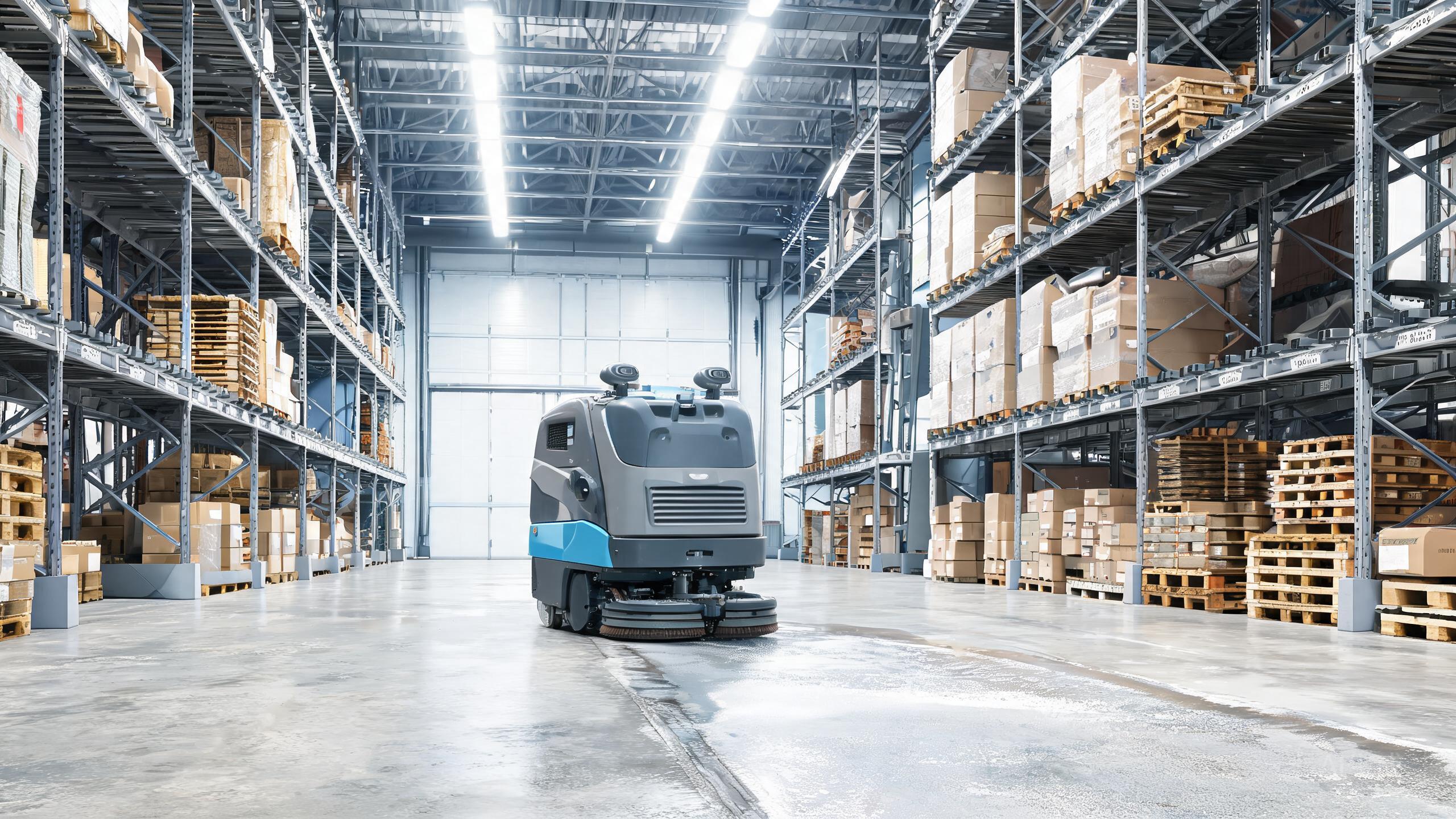
Even a top-rated machine has bad days. The OrionStar CleaniBot M1 earns its 9.3 rating with a 55 cm footprint, SLAM mapping in under 30 minutes and an auto-recharge dock, but owners still run into a handful of repeatable issues. This guide skips the sales pitch and walks through the six problems we see most often, with fixes you can try before calling support. If you are still deciding whether this is the best autonomous floor scrubber 2026 for your site, these fixes also show what day-to-day ownership really looks like.
Problem 1: Mapping Fails or the Map Looks Wrong
The M1 is specified to complete SLAM mapping in under 30 minutes, so a run that stalls or produces a distorted map usually points to the environment, not the robot. Clear the floor of loose cables, cartons and pallets before the mapping pass, because SLAM relies on stable features. Close blinds that throw hard shadows and switch on steady lighting. If a map comes out skewed, delete it and remap rather than editing it, since patched maps tend to confuse navigation later. Keep the dock in its final position during mapping, because moving it afterwards invalidates the reference point. In stores with mirrored displays or glass doors, add a temporary barrier or marking tape so the robot does not treat reflections as open space.
Problem 2: The Robot Won't Dock or Recharge
Auto recharge depends on a clear, consistent path back to the dock. First check that the dock sits on level ground with its charging contacts clean and free of dust or dried detergent. Wipe the robot's contacts with a dry cloth. If the M1 circles the dock without latching, look for objects within roughly a metre of the base that block its approach angle, and confirm nobody has shifted the dock since the last map was built. In narrow retail aisles, merchandise that overhangs into the aisle can pinch the return path. A robot that repeatedly gives up and parks mid-floor is often simply unable to find a route, not suffering a battery fault, so remapping after a layout change usually restores normal docking.
Problem 3: Short Run Times and Frequent Returns
The CleaniBot M1's small tank is a documented trade-off, and it is the usual culprit when cleaning sessions end early. On larger floors, plan the route in zones so the robot finishes a section, returns for a refill or recharge, and resumes, instead of attempting the whole area in one pass. Empty and rinse the recovery tank after every session, because a full tank triggers stops that look like battery problems. Keep the brush and squeegee free of hair and debris so the machine is not working harder than it should. If you are modelling running costs, remember that a SLAM floor scrubber cost comparison should include these shorter cycles; the autonomous scrubber vs manual cleaning gap narrows when you schedule zones around refills rather than fighting them.
Problem 4: Navigation Errors, Bumps and Stuck Reports
SLAM navigation degrades when the environment changes faster than the map. Seasonal displays, promotional stands and relocated shelving are the classic triggers in boutiques, so schedule a remap after every major reset. Keep the robot's sensors and camera windows clean, since a smudged lens reads as an obstacle and causes hesitant, zigzag motion. Check that floor transitions such as rugs, thresholds and ramps are within what the robot can cross, and remove loose mats that bunch up under the wheels. When comparing robotic floor scrubber brands, note that most stuck reports trace back to layout drift rather than hardware, which is why a simple remap routine belongs in your weekly checklist.
Problem 5: Weak Cleaning Results on Some Floors
Streaks and missed patches are usually about consumables and setup, not the machine. Replace worn squeegee blades and check the brush for flattened bristles, then verify the brush is seated correctly after cleaning. On smooth tile the default settings are fine, but heavily soiled entrances may need a slower pass or a second run rather than a single fast sweep. Never let detergent dry in the tank or lines between shifts; flush the system with clean water at the end of the day. If results vary by zone, review the map to confirm the area was actually assigned, because a mis-drawn boundary silently excludes floor from the schedule.
Problem 6: App, Schedule and Connectivity Glitches
Missed schedules and unresponsive controls are rarely deep faults. Confirm the robot and your phone are on the same network, then restart the app before assuming a hardware issue. If schedules stop running after a map update, re-link the cleaning plan to the new map, because old plans can point to a map ID that no longer exists. Set schedules with a buffer between sessions so the robot has time to recharge, given the compact tank and battery cycle. For multi-site owners building a warehouse cleaning robot ROI case, logging these small interruptions for a month gives a realistic picture of uptime and helps you decide how many units each location truly needs.
Our verdict
Most OrionStar CleaniBot M1 problems come down to environment drift, consumables and scheduling, not failed hardware. Build a short routine: clean sensors and contacts weekly, remap after layout changes, flush the tank daily and leave buffer time between sessions. Do that, and the compact 55 cm scrubber keeps delivering the performance behind its 9.3 rating. If you are weighing the autonomous scrubber vs manual cleaning decision, these habits are also what protect your investment over the long run.