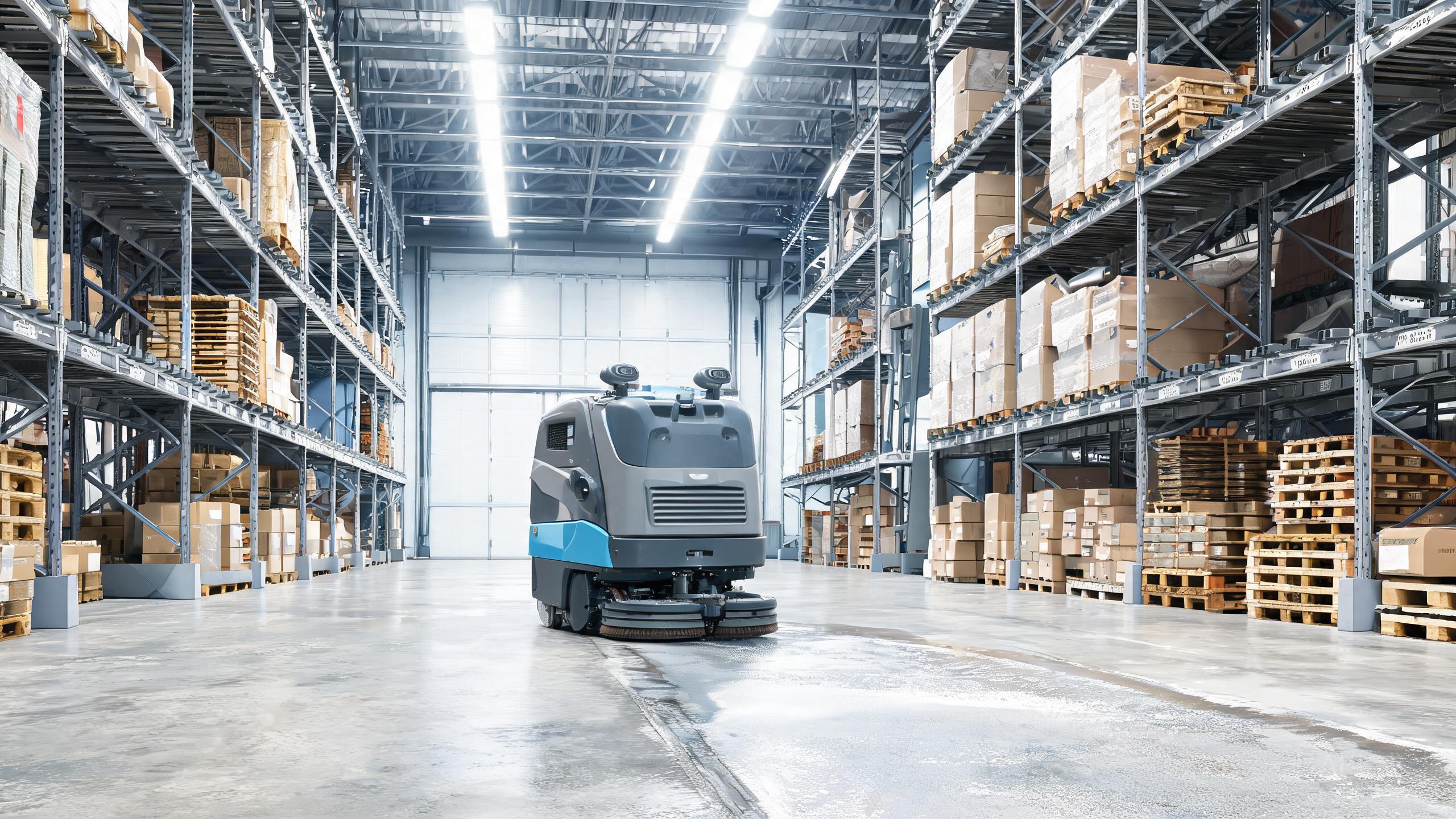
The OrionStar CleaniBot M1 earns its 9.3 rating by packing commercial scrubbing into a 55 cm frame, mapping a store via SLAM in under 30 minutes, and docking itself to recharge. But even the best autonomous floor scrubber 2026 can lose efficiency without proper care. This commercial cleaning robot review focuses on maintenance: the routines that protect navigation accuracy, water flow, and battery health so your compact scrubber keeps delivering reliable results in narrow retail aisles.
Daily Care After Every Cleaning Run
Consistent daily habits are the foundation of long-term reliability. After each run, empty and rinse the recovery tank to prevent residue buildup that can clog the suction path. Flush the brush deck and squeegee area with clean water, then wipe the squeegee blades with a soft cloth to maintain full contact with the floor. Check the brush for wrapped debris such as string, hair, or packaging film, since these reduce scrubbing pressure and can strain the drive motor. Finally, wipe the SLAM sensor and camera windows with a microfiber cloth. Dust or smudges on these lenses degrade mapping accuracy, which is the core strength of this machine. A two-minute routine after every cycle prevents most performance complaints and keeps your autonomous scrubber vs manual cleaning advantage intact.
Weekly Deep Maintenance for Mapping and Water Systems
Once a week, go deeper. Remove the brush and rinse it thoroughly, then inspect the bristles for flattening or missing tufts. A worn brush leaves streaks and forces the machine to work harder. Clean the solution tank with a mild, non-corrosive detergent to prevent biofilm and mineral scale, which can block the water lines and reduce flow to the pads. Inspect the squeegee rubber for nicks or hardening; replacing it early is far cheaper than repairing water damage to floors. For the navigation system, verify that the SLAM map still matches the current layout. If you have moved shelving or displays, re-run mapping, which takes under 30 minutes, so the robot does not repeatedly bump into new obstacles. This step is especially important in tight retail spaces where a single misplaced fixture can trap a compact unit.
Battery, Dock, and Sensor Care for Long-Term Value
The auto-recharge dock is convenient, but it still needs attention. Keep the charging contacts clean and dry; a thin film of dust or moisture increases resistance and slows charging. Ensure the dock area is clear of clutter so the robot can align without repeated attempts. For battery health, avoid leaving the unit at 0 percent for extended periods. If the machine will sit idle for weeks, charge it to roughly half capacity and store it in a dry, room-temperature location. Periodically check the bumper and cliff sensors for dust and scuff marks, and wipe them gently. These small sensors prevent falls and collisions, and their reliability directly affects warehouse cleaning robot ROI in mixed-use facilities. When calculating SLAM floor scrubber cost over its service life, add a modest budget for consumables such as brushes, squeegee blades, and filters. Planning these replacements keeps total cost of ownership predictable and protects resale value.
Troubleshooting Common Issues Before They Escalate
Most performance drops trace back to maintenance, not failure. If the M1 leaves streaks, check the squeegee blade and brush first, then confirm the recovery tank is properly seated. If mapping becomes erratic, clean the SLAM sensors and consider remapping. If runtime shortens noticeably, inspect the charging contacts and battery age. If the unit struggles to dock, clear the area around the station and verify the contacts are aligned. Keeping a simple log of cleaning cycles, brush changes, and any error messages helps you spot patterns early. Among robotic floor scrubber brands, OrionStar benefits from straightforward, user-serviceable components, so most issues can be resolved without a technician visit. Documenting your care routine also strengthens warranty claims if a genuine defect appears.
Our verdict
The OrionStar CleaniBot M1 is a compact powerhouse for narrow retail spaces, and a disciplined maintenance routine keeps it that way. Daily rinses, weekly deep cleans, and careful battery and sensor care protect the SLAM navigation and water systems that define its performance. None of these tasks require special tools or technical training, and together they take only a few minutes per week. Follow this guide, and your scrubber will keep earning its 9.3 rating run after run, while lowering the long-term cost of ownership.