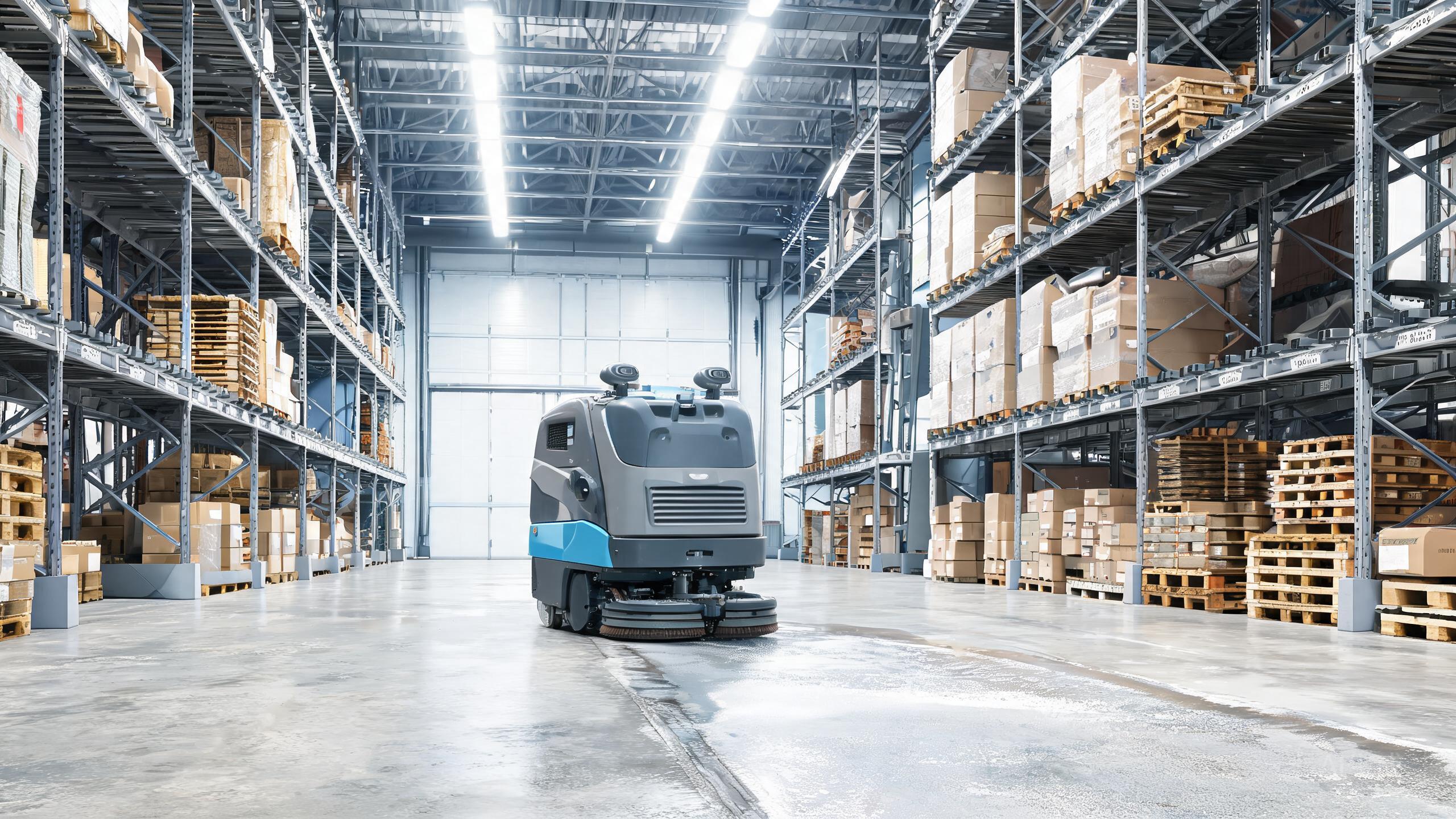
The Kärcher KIRA B 200 is built for sprawling facilities, running fully autonomous routes with a VDA 5050 fleet interface. But even the best autonomous floor scrubber 2026 has bad days: a robot that stops mid-route, misses a docking station, or drops off the fleet network can stall an entire shift. This commercial cleaning robot review turns into a hands-on troubleshooting guide. Below are the most common KIRA B 200 problems, what typically causes them, and the checks you can run yourself before opening a service ticket.
Robot Stops Mid-Route or Deviates From Its Path
Navigation complaints are the number-one call to support. Because the KIRA B 200 relies on autonomous routing, a sudden stop usually means the robot's map no longer matches the floor. Start by clearing the area of new pallets, carts or temporary shelving that were not present during mapping — large-area sites change layout constantly. Check that mirrors, glass walls and highly reflective floors are not confusing the sensors, and wipe the sensor windows with a soft cloth. If the robot repeatedly stops in the same spot, re-run the mapping pass for that zone rather than forcing it. Persistent path errors in one aisle often point to a damaged bumper or a wheel that needs service, so log the exact location before contacting Kärcher.
Docking and Charging Failures
A robot that circles the dock without connecting is frustrating on a large site where every failed return wastes runtime. First, inspect the charging contacts on both the robot and the dock for dust, moisture or scrubbing residue — a dirty contact is the most common cause. Confirm the dock has not been nudged out of position by pallet jacks or forklifts; even a small shift can break alignment. Keep the approach lane clear of cords and debris. If the KIRA B 200 docks but does not charge, verify the power supply and check whether the robot reports a fault on its display. Repeated docking failures after these checks suggest a contact or sensor issue that warrants service.
Fleet Interface and Connectivity Drops
The VDA 5050 interface is what makes this machine a fleet-scale tool, so a dropped connection can look like a robot failure when the real issue is the network. If the KIRA B 200 disappears from your fleet dashboard, confirm the site Wi-Fi or network coverage in that zone first — large warehouses often have dead spots far from access points. Restart the robot's connection session and check that no recent network changes or firewall rules are blocking the interface. Keep firmware coordinated across the fleet; mismatched versions between robots are a frequent source of coordination errors. If one unit drops while others stay online, isolate it and compare its settings with a working robot before escalating.
Weak Water Flow, Streaks or Poor Scrubbing Results
When cleaning quality drops, the fix is usually maintenance rather than repair. Streaks and weak water flow on the KIRA B 200 typically trace to a clogged solution filter, a worn squeegee blade, or debris wrapped around the brush. Empty and rinse the recovery tank, clean the filter, and check the squeegee for nicks or hardened residue. On large-area routes, worn blades show up fastest on long straight runs, so inspect them weekly. If the robot cleans well in some zones but not others, compare floor type and debris load — heavy grit may require a slower route setting. Track these maintenance tasks against your warehouse cleaning robot ROI model, since consistent upkeep protects the payback you calculated when comparing autonomous scrubber vs manual cleaning.
Our verdict
Most KIRA B 200 problems fall into four buckets: navigation, docking, connectivity and cleaning performance — and the majority are solved with a clean sensor, a clear lane, a re-map or a fresh squeegee blade. Because pricing is contact-based, keep a maintenance log that documents each fault and fix; it strengthens your case for service support and keeps your SLAM floor scrubber cost predictable over the machine's life. When comparing robotic floor scrubber brands for a large facility, remember that uptime discipline matters as much as the spec sheet, and this flagship rewards operators who troubleshoot early.