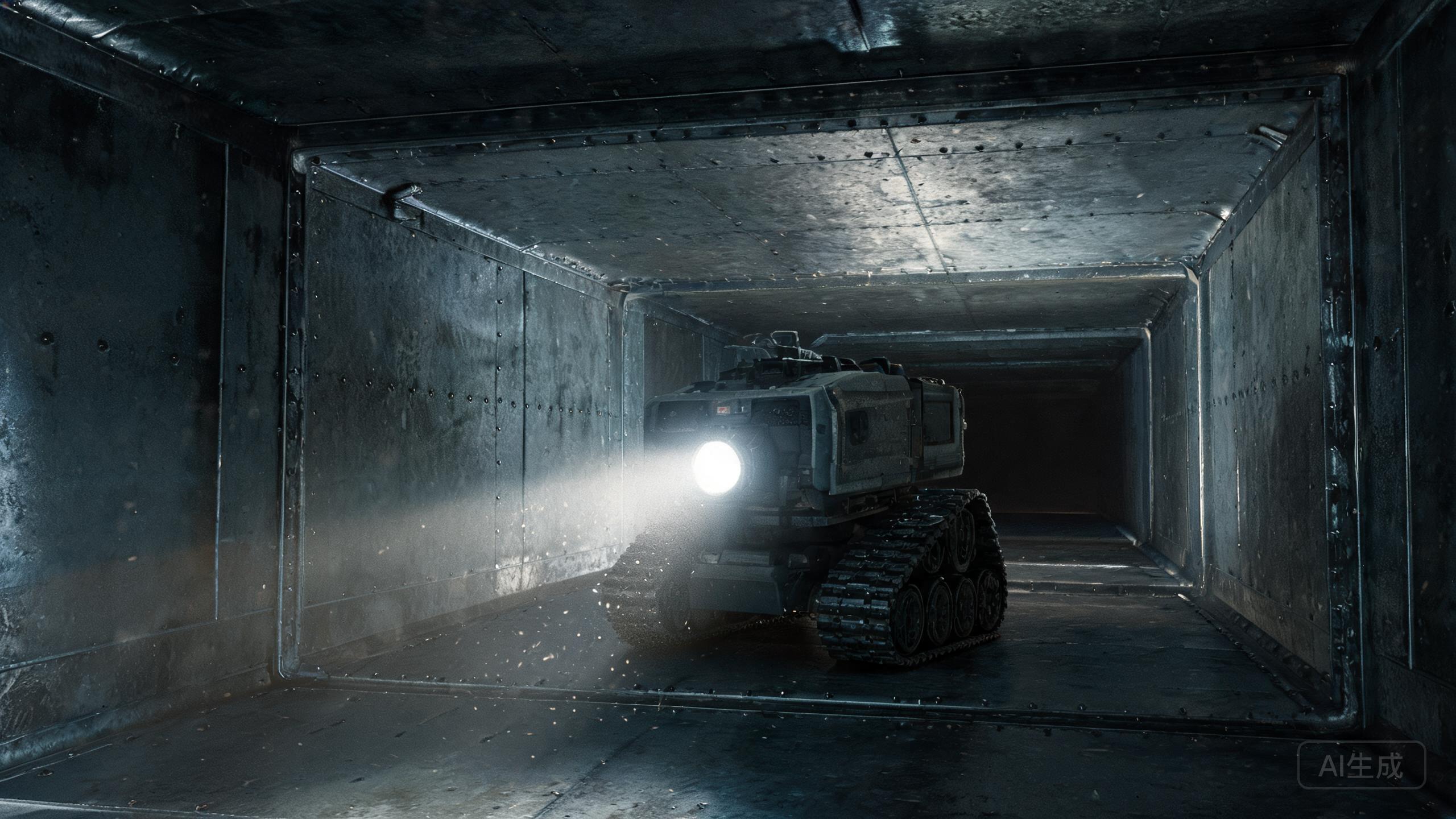
The ANATROLLER ARI-50 is a modular crawler duct inspection robot designed for small and hard-to-reach ducts from 6×6 inches. Even the most durable commercial duct cleaning equipment can encounter issues during demanding HVAC jobs. This troubleshooting guide addresses the most common problems users face with the ARI-50, helping you minimize downtime and maintain peak performance. Whether you're dealing with tracking problems, power failures, or modular configuration hiccups, these solutions will keep your air duct cleaning robot review-worthy and your operations smooth in 2026.
Crawler Not Moving or Tracking Poorly
One of the most frequent complaints with the ANATROLLER ARI-50 is poor tracking or complete failure to move. Since this is a crawler duct inspection robot, its tracks are critical. First, check for debris lodged in the track mechanism—ducts often contain loose dirt, screws, or tape that can jam the treads. Clean the tracks thoroughly with a brush. Second, verify that the surface is suitable; the ARI-50 performs best on smooth duct interiors, but excessive grease or moisture can cause slipping. If the robot still struggles, inspect the drive motors for wear. Because the platform dates to 2020, older units may have motor fatigue. Replacement motors are available, but custom configurations cost extra. Finally, ensure the controller is properly paired and the battery is sufficiently charged. If tracking remains erratic, recalibrate the joystick sensitivity via the control unit. Regular maintenance of this commercial duct cleaning equipment will prevent most movement issues.
Power and Battery Problems
Power issues can bring your duct cleaning robot to a halt. The ARI-50 typically uses a rechargeable battery pack. If the robot won't power on, first check the battery connection—ensure it is securely seated and the contacts are clean. A common mistake is forgetting to charge the battery after a long job. Charge it fully and try again. If the battery charges but drains quickly, it may be reaching the end of its life; replacement batteries are available. Note that the ARI-50's older platform (2020) means some components may be less efficient than newer models, but the durable design compensates. If the robot powers on but shuts down mid-operation, it could be overheating. Allow it to cool and avoid running it continuously for extended periods. Also, check the power cable for damage if using a tethered configuration. For custom setups, ensure the power supply matches the robot's requirements. Keeping spare batteries on hand is a smart practice for any air duct cleaning robot review.
Modular Configuration and Attachment Issues
The ANATROLLER ARI-50's modular platform is its standout feature, but it can also be a source of frustration. If you're having trouble attaching or swapping modules—such as cameras, brushes, or sensors—first ensure that all connectors are clean and free of debris. Duct environments are dirty, and dust can interfere with electrical contacts. Use a contact cleaner and a soft brush. Second, verify that you are using the correct module for your specific configuration. Because the ARI-50 supports custom setups, mixing incompatible modules can cause malfunctions. Always refer to the manual for compatibility. If a module is not recognized, try reseating it firmly. In some cases, a firmware update may be needed, but since the platform is from 2020, check with Robotics Design for available updates. Remember that custom configurations cost extra, so if you're building a specialized setup, test each module individually before full deployment. This ensures your crawler duct inspection robot operates reliably in small ducts.
Inspection Camera and Lighting Malfunctions
A clear view inside ducts is essential for effective cleaning, and the ARI-50's camera system is a key tool. If the video feed is blurry, dark, or not working, start by cleaning the camera lens. Dust and grease buildup are common in HVAC ducts. Use a microfiber cloth and a mild cleaner. If the image is still poor, check the lighting. The ARI-50 may have LED lights that can burn out or become dim. Replace faulty LEDs if possible. If the camera doesn't power on, inspect the cable connection to the main unit—a loose connection is often the culprit. For wireless configurations, ensure the signal is not being blocked by metal ductwork. Try changing the channel or reducing interference. If the camera module is damaged beyond repair, a replacement may be necessary. Since the platform is older, sourcing parts might require contacting Robotics Design directly. Remember, how duct cleaning improves air quality depends on thorough inspections, so a functioning camera is non-negotiable. Regular maintenance of this commercial duct cleaning equipment will keep your inspections sharp.
Our verdict
Troubleshooting the ANATROLLER ARI-50 doesn't have to be daunting. By addressing common issues like tracking, power, modular connections, and camera performance, you can keep this versatile crawler duct inspection robot running smoothly. Its modular design and small-duct access make it a valuable asset for specialized HVAC work, even as an older platform. Regular maintenance and careful handling will extend its life and ensure your duct cleaning robot cost remains justified. For 2026, the ARI-50 remains a reliable choice for hard-to-reach ducts, and with these tips, you'll minimize downtime and maximize cleaning efficiency. Always refer to the manufacturer for complex repairs, and consider upgrading custom configurations if your needs evolve.