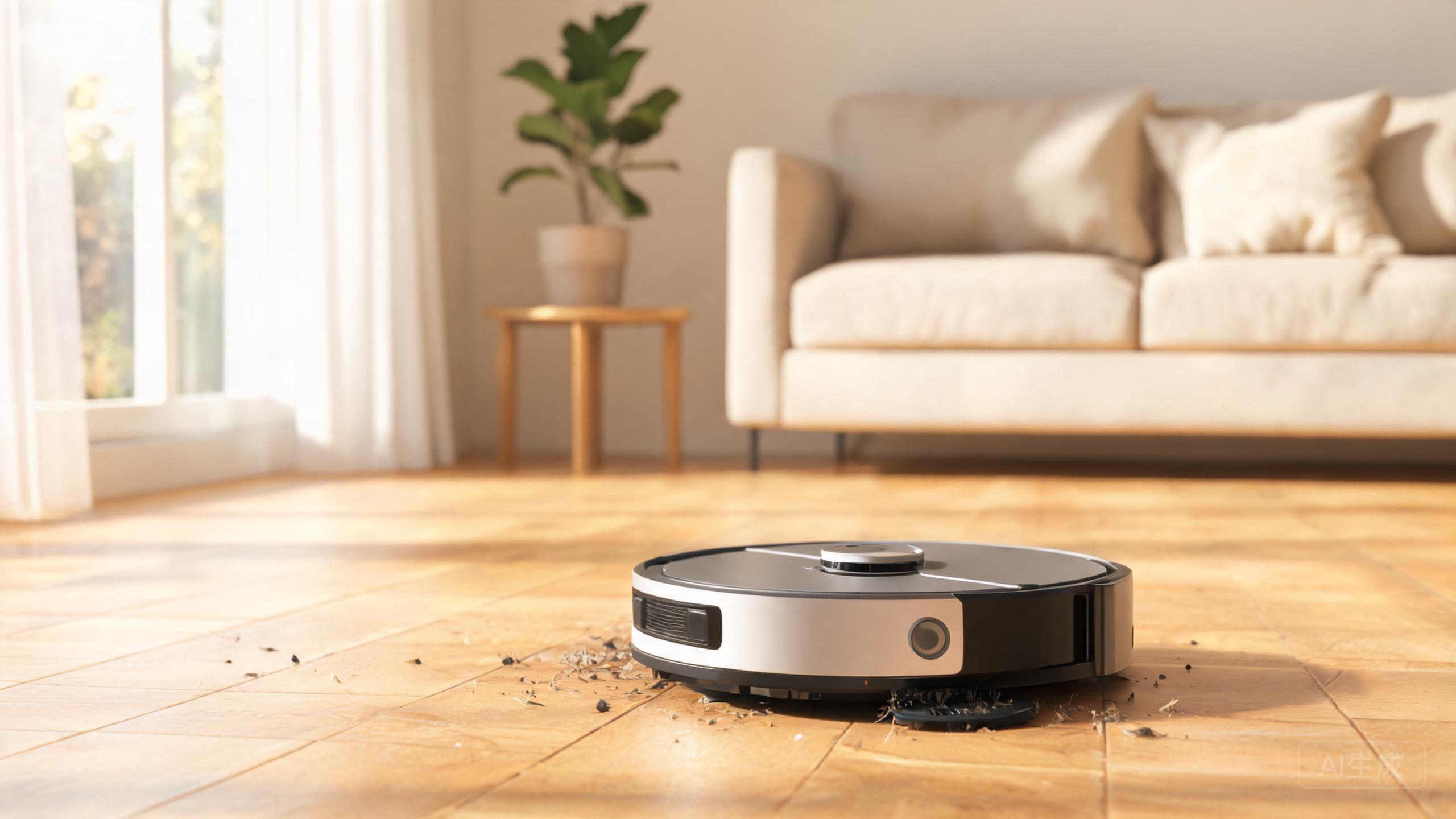
Your robot vacuum stops mid-clean, flashes a red light, and beeps. What now? Error codes are the machine's way of saying exactly what's wrong, but most manuals bury the answers. This guide decodes the most common robot vacuum error codes in plain language. We reference top-rated models from our 2026 rankings, including the Dreame X60 Max Ultra Complete, Roborock Saros 20, and Shark PowerDetect UV Reveal, so you can match the fix to your machine. Whether you own a self emptying robot vacuum or a budget mop, these troubleshooting steps will get it running again.
Navigation Errors: LiDAR vs vSLAM Robot Vacuum Faults
Navigation errors are the most common complaints. A LiDAR vs vSLAM robot vacuum handles them differently. LiDAR models like the Dreame X60 Max Ultra Complete and Roborock Saros 20 rely on a spinning turret. If that turret is blocked by dust or hair, you'll see error codes like 'LDS obstructed' or 'navigation sensor blocked.' Fix: power off, remove the turret cover, and wipe the lens with a dry cloth. vSLAM cameras, used on some Shark and Yeedi models, throw 'camera obscured' or 'poor lighting' errors. Clean the front camera and add a night light. For the Roborock Qrevo CurvX, a 'stuck' error often means the cliff sensors are dirty. Wipe them with a dry microfiber. If your robot reports 'cannot locate dock,' clear the area around the charging base and restart. These steps resolve 90% of navigation faults without a repair.
Charging and Docking Error Codes
Charging errors frustrate owners of every self emptying robot vacuum. The Dreame Aqua10 Ultra Roller and Mova P50 Pro Ultra often show 'charging error' when the dock contacts are dirty. Unplug the dock, wipe the metal pads on both the robot and base with a dry cloth, and check for bent pins. A 'battery not detected' code usually means the battery is loose or has reached end of life after 2–3 years. For the eufy Auto-Empty C10, error E1 means the dust bag is full or not seated. Replace or reseat the bag. If your robot repeatedly undocks and redocks, the charging contacts may be misaligned—nudge the dock against a wall. The Mova P10 Pro Ultra Gen 2 sometimes reports 'low battery before cleaning' if the dock lost power. Reset the breaker. Never use water on charging contacts.
Mopping and Water System Errors
Mopping faults are rising as more homes adopt combo units. The Yeedi S20 Infinity Ultra and Roborock Q7 M5 report 'water tank empty' or 'mop pad not detected' when the tank is dry or the pad is missing. Fill the tank and snap the pad firmly. A 'water pump error' on the Dreame X60 Max Ultra Complete usually means air is trapped in the line. Remove the tank, turn it upside down, and reinsert. For the Shark PowerDetect UV Reveal, a 'dirty water tank full' error stops mopping mid-cycle. Empty the dirty tank and rinse the filter. In our robot vacuum mopping performance test, models with roller mops like the Aqua10 Ultra Roller rarely throw pump errors because they self-clean. If your robot leaves streaks after a 'mopping complete' message, the pad may be saturated—replace it. Never ignore a persistent water error; it can damage the pump.
Pet Hair and Brush Error Codes
If you own the best robot vacuum for pet hair, you'll see 'brush tangled' or 'main brush blocked' often. The Shark PowerDetect UV Reveal and Roborock Saros 20 both throw these codes when hair wraps the roller. Flip the robot, remove the brush, and cut hair with scissors. For the Dreame X60 Max Ultra Complete, a 'side brush error' means the side brush is stuck on a rug fringe or cable. Clear the obstacle. A 'filter blocked' error on the Mova P50 Pro Ultra means the HEPA filter is clogged with fine dust and pet dander. Tap it clean or replace it every 2–3 months. The eufy Auto-Empty C10 may report 'dust bin missing' if the bin isn't fully clicked in. Push until you hear a click. In our 2026 rankings, pet-focused models with rubber brushes suffer fewer tangles. If errors persist after cleaning, run a factory reset from the app.
Our verdict
Most robot vacuum error codes are not death sentences. They are simple maintenance reminders. Dirty sensors cause navigation faults. Full bags and misaligned docks cause charging errors. Dry tanks and saturated pads cause mopping faults. Tangled brushes cause pet hair errors. By matching the code to the fix, you can resolve issues in minutes. For the best robot vacuum 2026 experience, keep spare filters, pads, and bags on hand. If a code returns after three cleanings, contact support—but nine times out of ten, a dry cloth and a reset will do the job.