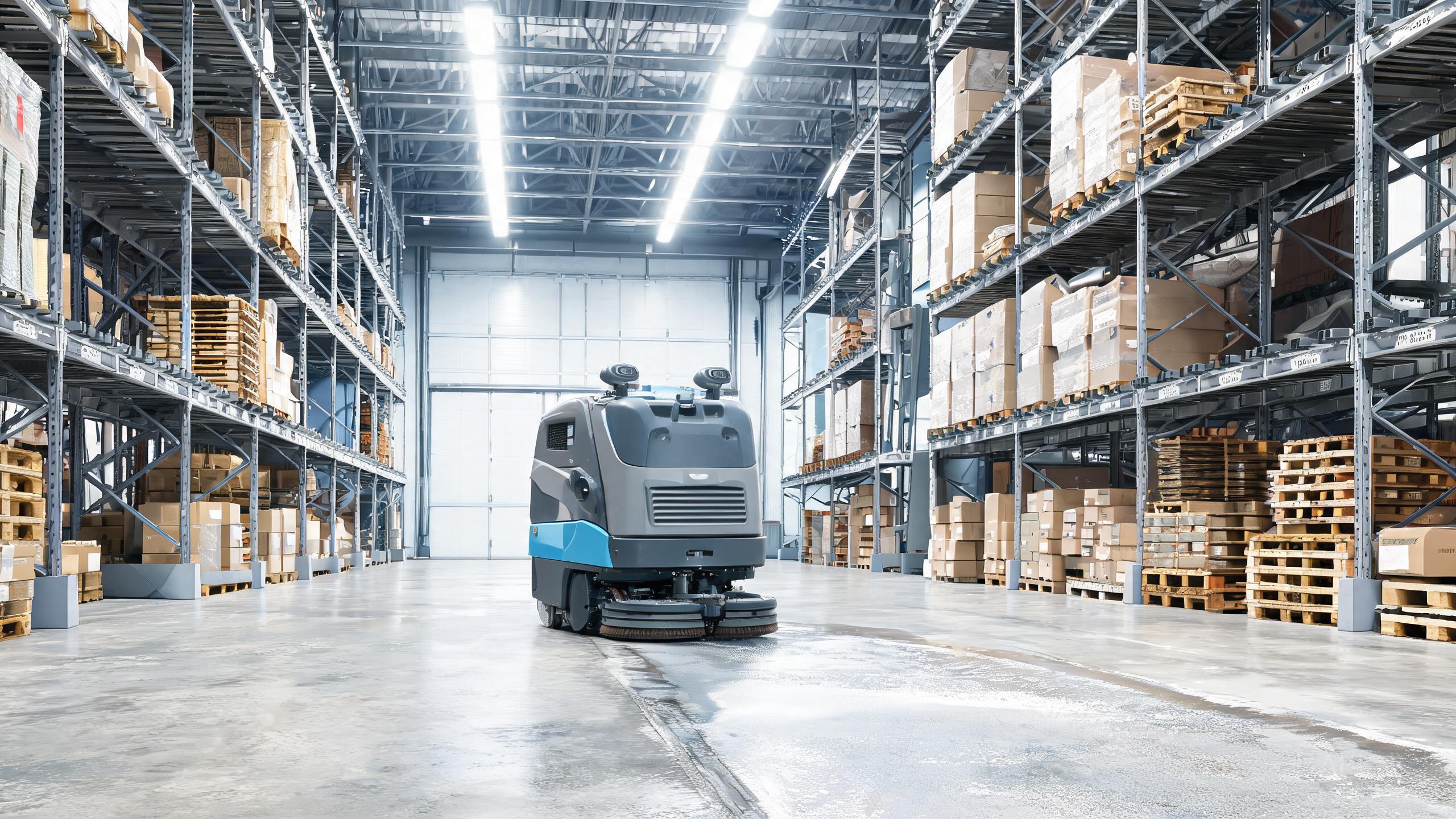
The DEEBOT PRO M1 is a three-in-one commercial cleaning robot that scrubs, sweeps and dust-mops, and it adds automatic water refill and drain plus a self-cleaning waste tank. That combination makes it one of the most complete turnkey options in the 2026 robotic floor scrubber brands landscape, but it also means installation involves more than unboxing. This guide walks facility and operations teams through a practical, repeatable setup sequence, from site survey to first autonomous run, so you can move from delivery to productive cleaning without guesswork.
Step 1: Survey the Site and Plan the Docking Area
Before the machine arrives, walk the floor plan and identify where the docking and water connections will live. Because the M1 handles auto refill and drain, the dock needs a nearby water supply and drain point plus a level, unobstructed pad. Note doorway widths, ramp gradients, elevator access and any glass or mirrored surfaces that could complicate navigation. Mark high-traffic zones and pick a starting route for the first mapping run. A little planning here directly affects how quickly you see warehouse cleaning robot ROI, since a well-placed dock reduces manual water handling from day one.
Step 2: Connect Water, Drain and Power
Plumb the dock to the water supply and drain according to the dealer's installation notes, then confirm the auto refill and drain cycle completes without leaks or backflow. Route power so the cable cannot be run over by the robot or foot traffic, and leave clearance around the dock for the machine to seat itself. Once connected, run a single test cycle and watch the self-cleaning waste tank sequence: the tank should rinse and discharge as intended. If your procurement team is still comparing an autonomous scrubber vs manual cleaning, this is the moment the labor savings become concrete, because no one has to haul buckets or empty a dirty tank by hand.
Step 3: Map the Floor and Set Cleaning Modes
Use the onboard SLAM navigation to build a map of each cleaning area, then divide it into zones that match how your teams actually work: scrub in kitchens and entrances, sweep in corridors, dust-mop in showrooms and offices. The M1 supports scrub, sweep and dust-mop modes, so assign the right mode per zone rather than running a single default everywhere. Set no-go zones around cables, loose mats and sensitive displays. Save the map and run a supervised dry pass at low speed to confirm the route before scheduling unattended cycles. Facilities comparing SLAM floor scrubber cost against legacy equipment should note that mapping quality is what unlocks the productivity the hardware promises.
Step 4: Onboard the Fleet and Train the Team
Register the M1 in the centralized fleet management console so supervisors can see status, schedules and cleaning history across every unit. Set recurring schedules around shift patterns, and configure alerts for water faults, full waste tanks or blocked paths. Train operators on three things only: starting and pausing a task, reading the dashboard alerts, and escalating to the dealer for service. Keep a short log of the first two weeks of runs so you can tune routes and mode assignments. This is also the right time to document your baseline for a commercial cleaning robot review: square meters cleaned per shift and labor hours displaced give you the numbers to justify expansion later.
Our verdict
Installing the DEEBOT PRO M1 is a four-step process: survey and site the dock, connect water and power, map and assign cleaning modes, then onboard the fleet and train operators. Do it in that order and the machine's three-in-one cleaning, auto refill and drain, and self-cleaning waste tank all work in your favor from the first week. Facilities that treat setup as a project rather than a plug-in will get the most from this best autonomous floor scrubber 2026 candidate and build a credible case for scaling across sites.