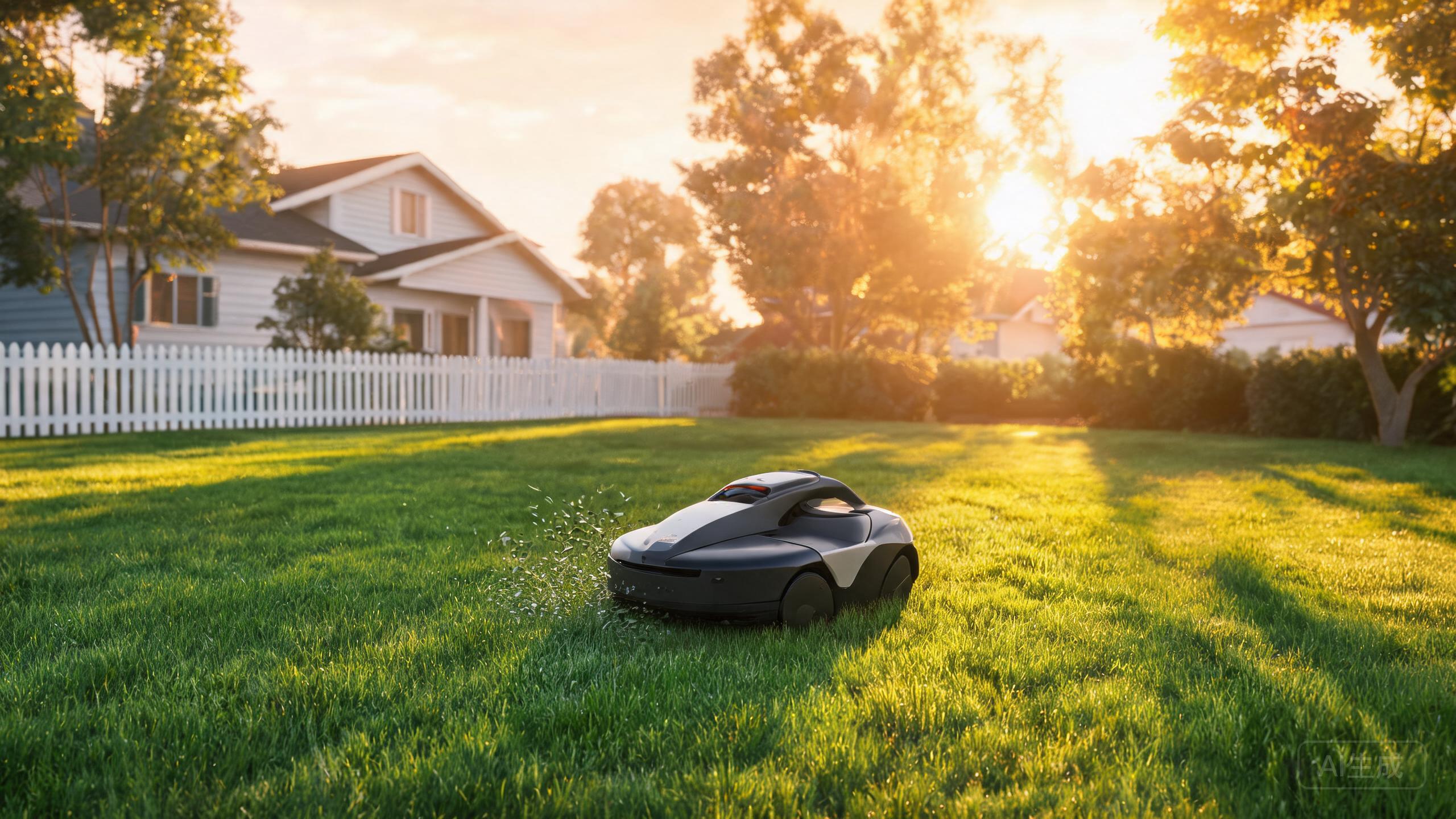
The Anthbot M9 is a compact, budget-friendly mower that skips the perimeter wire entirely, using full-band RTK plus vision navigation to map and follow your lawn. That makes it a genuinely different installation job from a classic buried-wire mower: no trenching, no cable repairs, but placement of the dock and the RTK reference antenna matters a lot. This guide walks through unboxing to first cut in plain steps, and explains where the M9 fits in the best robotic lawn mower 2026 conversation for small yards.
Before You Start: What the M9 Needs From Your Yard
The M9 is built for small yards, so check your space honestly before installing. You need a reasonably open lawn, a power outlet near the dock location, and a mounting spot for the RTK reference antenna with a clear view of the sky. Because navigation is RTK plus vision rather than a buried boundary wire, the mower relies on satellite signal quality, so tall walls, dense tree canopies and metal roofs directly above the dock can degrade performance. Flat to gently undulating lawns are the intended use case; if your garden is dominated by a robotic mower for steep slopes scenario, this budget model is not the right tool. Also confirm your lawn is roughly within the small-yard envelope the M9 targets — for a best robot mower for large lawn comparison, look elsewhere in the lineup.
Step 1–2: Unbox, Charge, and Place the Dock
Unpack the mower, the dock and the RTK reference antenna, and charge the mower fully before any mapping attempt — a half-charged battery can interrupt the first mapping run. Choose a dock location on firm, level ground at the edge of the lawn, with the outlet within reach and the approach path clear of flower beds, gravel strips and roots. Face the dock so the mower drives straight in without a turn, and leave clearance on both sides. Keep the dock out of standing water and away from sprinkler spray. This single decision has more effect on reliability than almost any setting you will change later, which is why it leads every serious robotic lawn mower installation checklist.
Step 3–4: Mount the RTK Antenna and Pair the App
Mount the RTK reference antenna on a stable pole or bracket with an unobstructed view of the sky, ideally above the height of surrounding shrubs and fences, and route its cable so it cannot be cut by the mower or tripped over. Tighten the mount against wind movement — a swaying antenna blurs the correction signal. Next, install the Anthbot app, power on the mower and dock, and follow the in-app pairing flow over your home Wi-Fi or the mower's own connection. During this stage the app will ask you to drive or guide the mower around the lawn boundary once to build the map; keep the route smooth and follow the actual mowing edge rather than cutting corners. If you have read a wireless robotic mower review before, this mapping drive is the step reviewers usually gloss over — do it slowly and completely.
Step 5–6: Set Zones, Test the First Mow, Then Refine
After mapping, use the app to split the lawn into zones and set cutting height and schedule. For the first run, choose a dry day and watch the whole session. Check three things: whether the mower tracks the edge cleanly, whether it returns to the dock without hesitation, and whether any patch loses signal. If a corner is repeatedly missed, it is usually a signal-shadow problem rather than a navigation fault — move the antenna slightly higher or shift the dock. Adjust schedule frequency to grass growth rather than a fixed habit. Once dialed in, the M9 handles routine cutting quietly and you can drop the manual mower. Note the limits honestly: coverage is small and premium features are few, so treat it as a dedicated small-lawn tool. For buyers weighing RTK vs GPS robotic mower designs, the M9 sits firmly on the RTK side of that debate.
Our verdict
Installing the Anthbot M9 is a weekend-morning job, not a landscaping project: no trenching, no wire splices, just a sensible dock spot, a well-mounted RTK antenna and one careful mapping drive. Get those three right and the mower's RTK plus vision navigation does the rest on a small lawn. It is not the pick for steep slopes or sprawling acreage, but as a low-cost, wire-free entry point it earns its 7.8 rating — a solid small-yard option in any best robotic lawn mower 2026 shortlist.