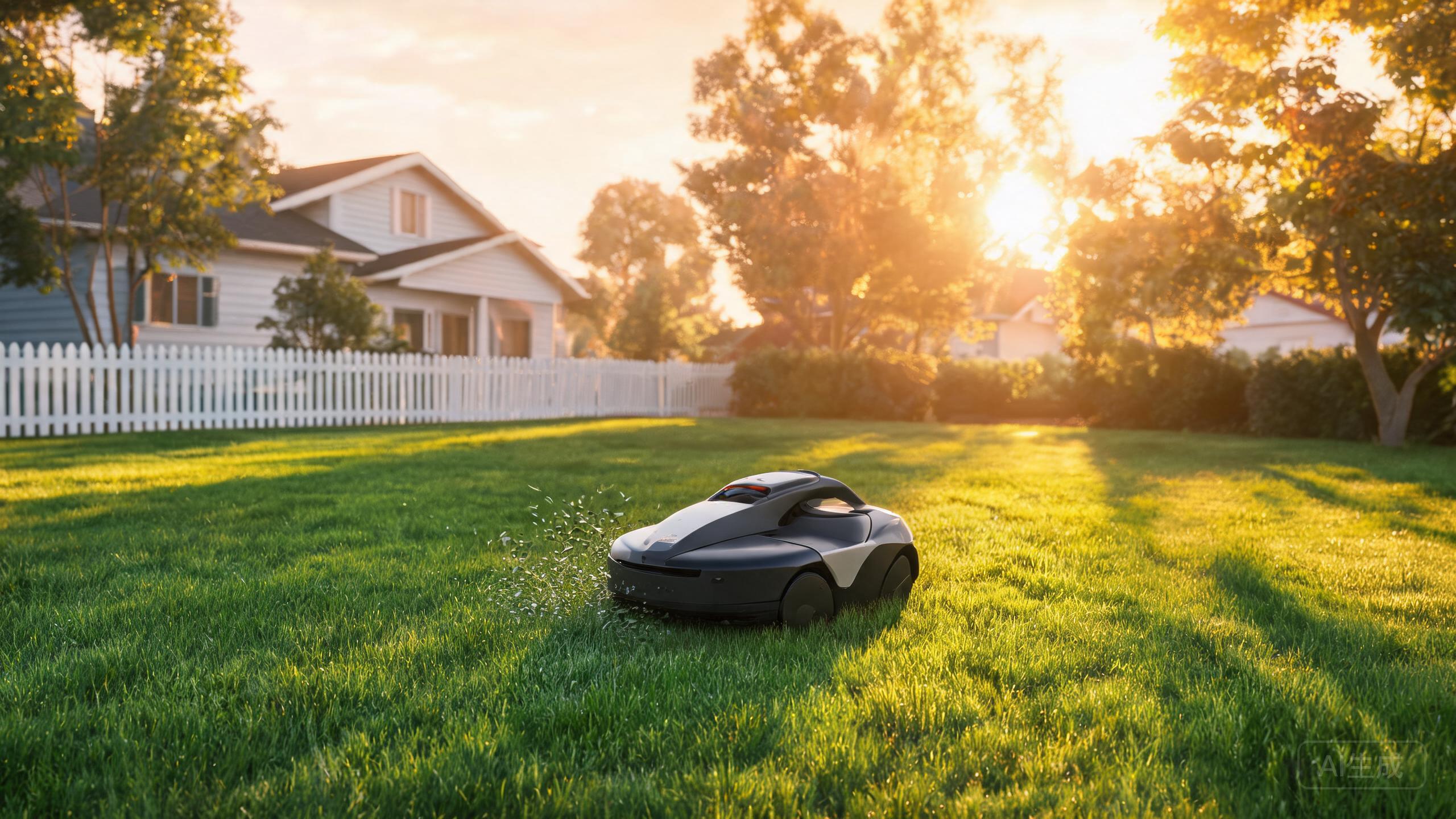
The Anthbot M9 is a wire-free, budget-friendly robotic mower aimed at small yards, pairing full-band RTK with vision navigation. Because it ships without a perimeter wire, the usual installation shopping list changes completely. Instead of buying boundary cable and pegs, owners should budget for a different set of accessories and consumables: replacement blades, a stable charging dock location, and a few extras that keep a wireless robotic mower review-friendly over time. This guide covers what actually matters for the M9, and what you can safely skip.
Blades and Cutting Consumables: The Real Running Cost
The single most important consumable on any robotic mower is the cutting blade set. The M9 uses a floating blade disc design typical of compact mowers, and blades dull gradually as they hit twigs, stones and dry patches. Dull blades tear grass instead of slicing it, which yellows the lawn tips and forces the mower to work harder. For a small-yard machine, a season's supply of replacement blades is cheap insurance. Buy a multi-pack rather than singles, and swap all blades at once so the disc stays balanced. Alongside blades, keep a small brush or compressed-air puffer for clearing clippings from the blade disc and underside after wet cuts. If you are comparing this unit against other options in a best robotic lawn mower 2026 shortlist, remember that blade cost and replacement interval are part of the true ownership price, not just the sticker.
Dock Placement and Installation Extras for a Wire-Free Mower
Because the M9 is wire-free, robotic lawn mower installation is mostly about the charging dock, not boundary cable. You still need a flat, level spot with a clear view of the sky for the RTK antenna, plus a nearby outdoor power outlet or an extension rated for outdoor use. A small outdoor power strip with a weatherproof cover is a genuinely useful accessory. If the dock sits on soft ground, a paving slab or rubber mat under it prevents sinking and keeps the charging contacts aligned. Cable clips or a shallow conduit protect the low-voltage cord from trimmers and pets. This is where RTK vs GPS robotic mower debates become practical: full-band RTK needs a reasonably open horizon, so avoid tucking the dock under dense tree canopy or against a tall metal shed. Good dock placement reduces re-docking failures far more than any add-on gadget.
Slope, Terrain and Lawn-Care Add-ons
The M9 is positioned for small yards, so it is not the tool for extreme terrain. Still, many small gardens have a modest bank or a ramp between lawn zones, and owners searching for a robotic mower for steep slopes should treat slope limits as a hard constraint rather than an accessory problem. No add-on wheel or tread kit turns a small-yard mower into a hillside machine. What you can do is improve traction and safety at the edges: keep the lawn reasonably short before the first run, fill in ruts and holes, and mark or fence off drop-offs, ponds and flower beds. A cheap set of lawn edging or a few boundary markers helps the vision system see a clean, consistent edge. For anyone weighing a robot mower for large lawn use, the M9's small coverage means you would need to manage expectations or look at a bigger model.
Storage, Spare Parts and Long-Term Care
Robotic mowers live outdoors, so a few low-cost items extend the M9's life. A breathable cover protects the dock area from leaves without trapping moisture. Keep a spare set of charging contacts or the manufacturer's recommended maintenance kit if one is offered, and store spare blades in a dry box so they do not rust before use. In winter, clean the mower, charge the battery to the level the manual recommends, and store it indoors. Log your blade changes and cleaning dates; this makes it easy to know when consumables are due. Treated this way, a compact wireless robotic mower review unit like the M9 stays reliable for several seasons without expensive surprises.
Our verdict
For the Anthbot M9, the smart accessory budget goes to blades, dock placement materials and basic lawn prep — not to boundary wire you no longer need. Buy blades in multi-packs, give the RTK antenna a clear view of the sky, and keep edges tidy so vision navigation has an easy job. Do that, and this small-yard budget pick stays cheap to own as well as cheap to buy.